
How to Improve the Security of Your Digital Devices

In today’s digital era, securing your digital devices is something we must pay serious attention to. There are countless digital devices we use to support our daily activities, from smartphones, laptops/PCs, to IoT devices.
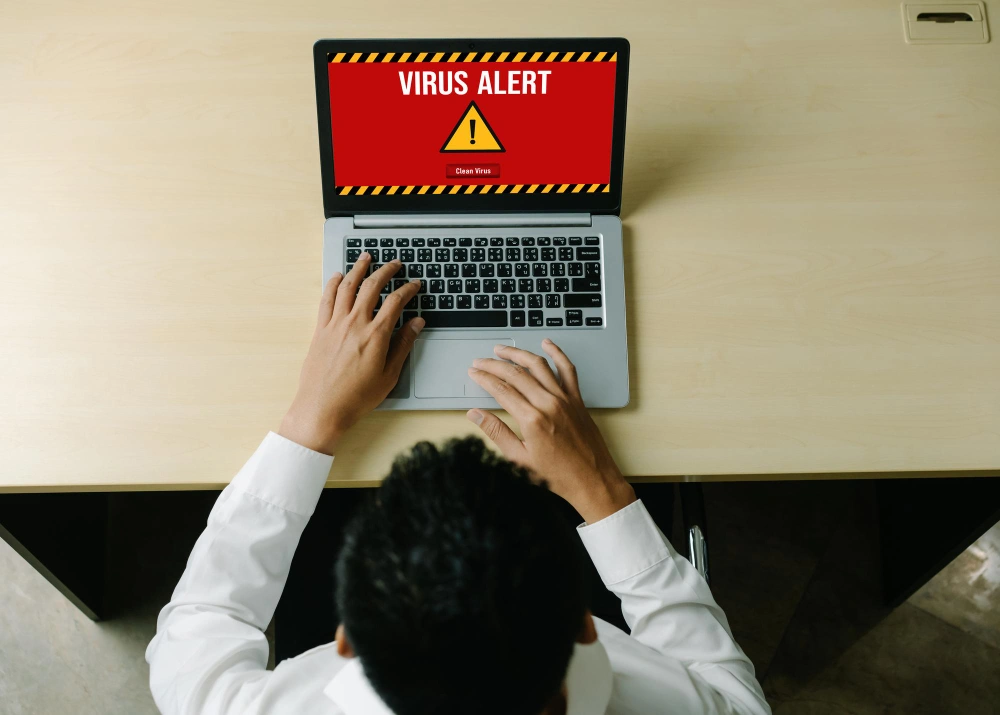
Many threats can occur if you’re careless in protecting your digital devices, ranging from viruses, malware, annoying ads, and in the worst cases, ransomware that can encrypt all the files on your PC or laptop.
If this happens, all important files on your laptop/PC will be inaccessible. Even worse, these viruses can infect other computers connected to the same network as yours.
Terrifying, isn’t it?
That’s why the only thing you can do is start improving the security of your digital devices—starting now, even with the smallest steps.
This is where the principle “prevention is better than cure” becomes important. Of course, this must also be accompanied by responsible internet behavior, such as not visiting dangerous websites or installing software from unofficial sources.
Tips to Improve the Security of Your Digital Devices
The best way to improve the security of your devices is by consistently doing these 10 things. What are they?
1. Regularly Update Your Software
Dangerous viruses and malware are closely linked to outdated software because software that is not regularly updated will have many vulnerabilities, making it easy for hackers to insert viruses or malware.
App developers will usually patch bugs or security holes that are commonly exploited by hackers to breach your operating system or applications.

If you're the type who’s “lazy” about updates, you can enable automatic system updates to keep your device regularly updated.
Besides your operating system and apps, make sure you always use the latest version of your web browser and keep plugins like Flash and Java up to date.
2. Use Antivirus & Firewall Protection
Using antivirus software can be an effective solution to combat virus and malware attacks. There are many types of antivirus programs available, and most modern operating systems already come with one by default.
However, for certain types of viruses, additional antivirus software may be required to maximize your device’s security.
It’s also important to consider using antivirus software that doesn’t burden your system. Some antivirus programs consume too many resources, which can affect your device’s performance.
In addition, firewalls can help protect your device from harmful attacks. A firewall helps filter viruses and other suspicious activities.
The concept is simple: it controls and filters network traffic that is allowed into your device.
Most current operating systems come with a built-in firewall.
To further enhance security, your router should also have a built-in firewall to prevent attacks on your network.
3. Use Strong Password Combinations
Another important point is always use strong password combinations for software that requires login access—especially your main email login, since email is the gateway to your entire digital identity.
People often reuse the same password across multiple accounts or use obvious ones like names and birthdates.
To create a strong password, consider the following:
1.Use a mix of uppercase letters, symbols, and numbers that are complex and hard to guess—but still memorable for you.
2.Don’t use the same password more than once, especially across multiple accounts.
3.Your password should include at least one lowercase letter, one uppercase letter, one number, and four symbols, but not &%#@_76748.
4.Change your password regularly—ideally every 6 to 12 months.
If you find managing difficult passwords inconvenient, consider using a password manager.
4. Use Two-Factor or Multi-Factor Authentication
Two-factor authentication (2FA) is currently one of the most effective security solutions. It works by adding an extra layer of security during login for online identification.
This extra protection comes in the form of a code sent to your registered phone number, email, or another logged-in device. You can only log in if you receive this code.
Other forms of 2FA include fingerprint or face recognition. Most internet service providers now offer this feature.
5. Do Not Download Software from Untrusted Sources
A common mistake when someone first gets a digital device is downloading software from unknown sources.
This is risky because viruses and malware are often hidden within such software. Your device may become flooded with ads and its performance may rapidly deteriorate.
If this happens, you can try installing additional antivirus software. If the situation gets worse, you may be forced to reinstall the operating system, which could result in data loss.
6. Back Up Regularly
Regular backups can help you recover in case something bad happens to your device. Most IT professionals use the 3-2-1 backup method:
Store three copies of your data on two different types of media (local and external hard drives), and one copy in cloud storage such as Google Drive, OneDrive, Mega, etc.
7. Avoid Using Public Wi-Fi for Important Tasks
Free public Wi-Fi may save your data usage, but it’s best to avoid using it for sensitive activities, since you never know if it’s secure.
Especially for activities like online banking, logging into social media, or accessing your email accounts.
If you must use public Wi-Fi, be sure to use a Virtual Private Network (VPN). A VPN encrypts the traffic between your device and the VPN server.
This makes it much harder for cybercriminals to access your data. Always use your mobile data if you don’t have access to a VPN when doing something important.
Conclusion
Now that you’ve learned how to maximize your gadget’s security, the most important thing is to apply these practices consistently.
Always be careful and alert when using the internet. Download software only from trusted sites—preferably original software directly from the developers.
It’s also important to recognize common hacking methods, such as:
1.Phishing – this method appears convincing but is actually a trap. Hackers may send links via email or social media, and if you click on them and enter your personal info, they can access all your data.
2.Viruses & Malware – usually found on websites and apps you download carelessly. Malware can install itself if it gains administrator access, which is often unknowingly granted by the user.
That’s why you should always be alert and avoid downloading unknown apps from your email or suspicious websites.
3.User Error is one of the main causes of weakened digital device security. Being aware of digital security is essential in combating cybercrime.
PT SMARTIT MANTAP DIGITAL INDONESIA
Vieloft Ciputra World, Suite 10-01.
Kompleks Superblock, Ciputra World
Jl. Mayjen Sungkono No.89 Surabaya, Jawa Timur, Indonesia 60224
Telepon: +6281130576888 / +628113426391
Email: hello@smart-it.co.id
Facebook: Smart IT Indonesia
LinkedIn: Smart IT Indonesia
Instagram: smartitcoid
Related Articles
 Cyber Security
Cybersecurity Myth: “My Business Is Small, There’s No Way Hackers Would Target It”
 Cyber Security
E-commerce Cybersecurity Threats in 2026: 7 Attacks Targeting Your Online Store—And How WAF Stops Them
 Cyber Security